
Events & Ticketing App
A Complete Event & Ticketing Solution Seamlessly Integrated with Your POS Systems.
The Pintuna Events & Ticketing App is a powerful, all-in-one solution designed to streamline event management for businesses of all sizes. Whether you’re hosting concerts, conferences, workshops, or community events, Pintuna makes it simple to sell tickets, manage attendees, and track performance—all from a single platform.
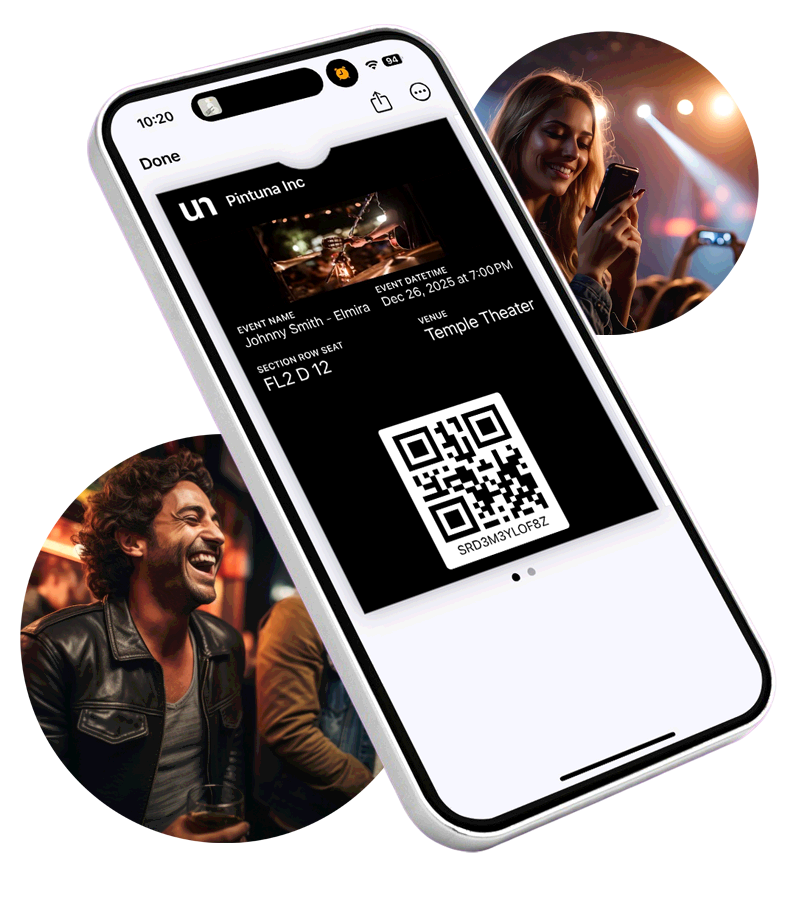
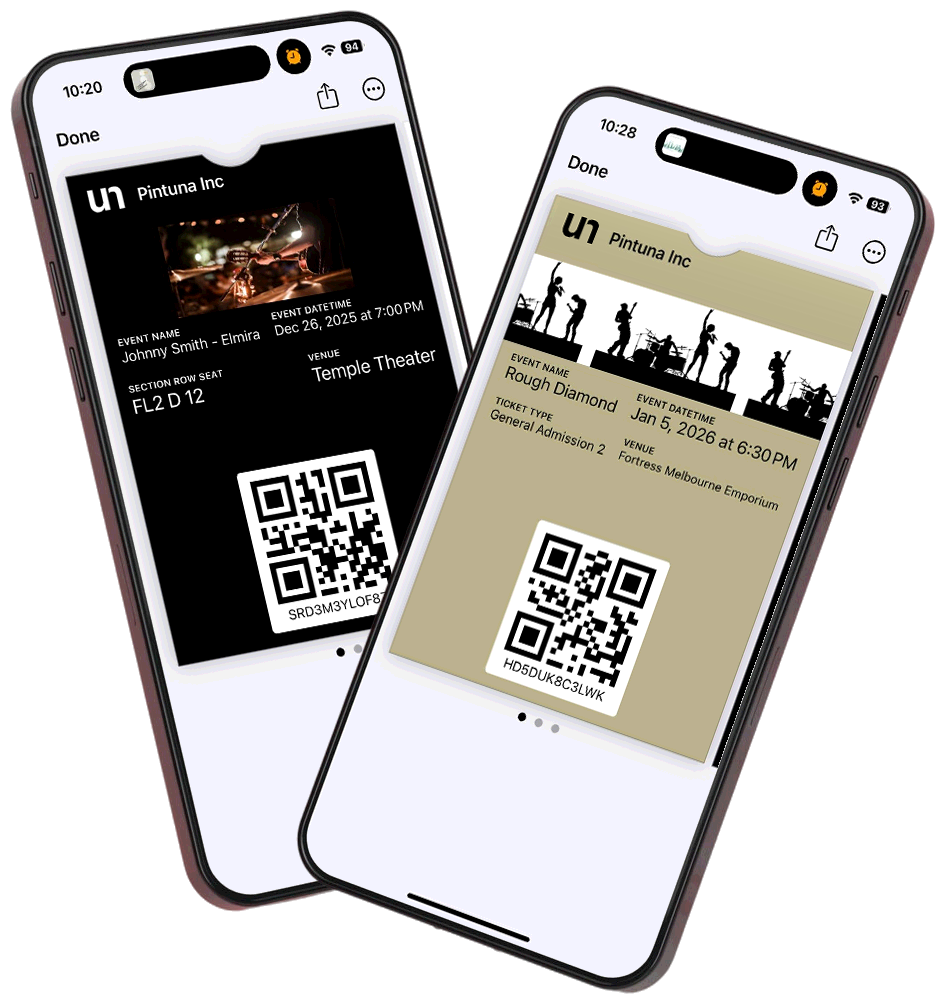
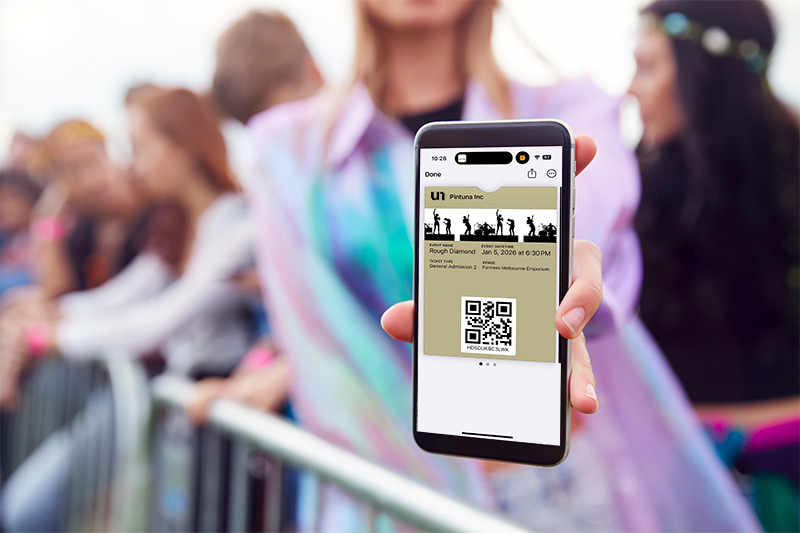
With tight integration with Square and Clover POS systems, as well as compatibility with Stripe payment processing, the app ensures smooth, secure transactions for both merchants and attendees. Pintuna is designed for flexibility, supporting both iPhone and Android mobile wallets, so attendees can access their tickets instantly, without the need for paper.
Platform partners:


Works seamlessly with:


Powerful Features to Simplify Events and Ticketing
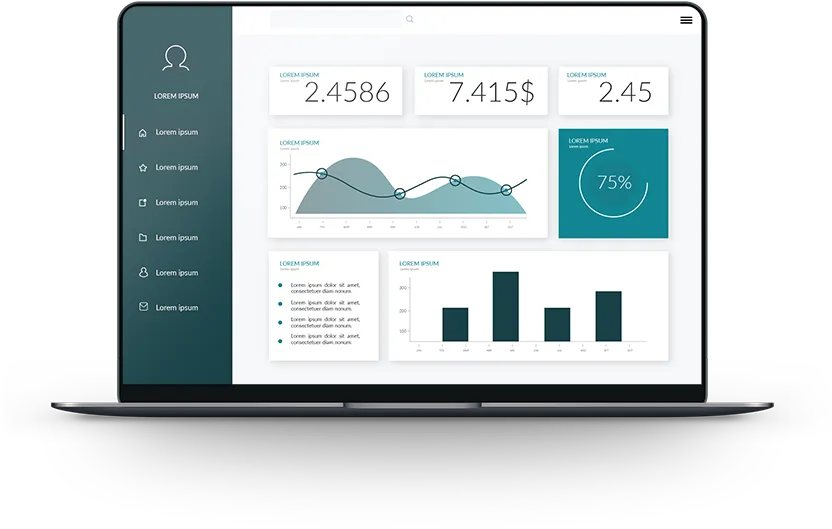
Pintuna’s user-friendly interface is crafted for efficiency and ease of use, making it ideal for both merchants organizing events and customers purchasing tickets.


Experience the Future of
Events & Ticketing with Pintuna:
- Easy Sign-Up and Onboarding Process
Get started quickly with a straightforward registration and onboarding process designed to save you time. - Simple Step-by-Step Event Setup
Follow a guided workflow that makes creating and launching events a breeze, even for first-time users. - Integrated with Pintuna Membership App
Leverage Pintuna’s full ecosystem by integrating with the Membership App to enhance loyalty programs, streamline attendee management, and deliver a seamless experience for your customers.


FAQs
Pintuna handles in-person events, virtual events, festivals, fair, plays, workshops, classes, pop-ups, tastings, and recurring events. You can create single-date or multi-date events, each with multiple ticket types and pricing tiers.
Yes. You can create early-bird, general admission, VIP, and group ticket types — each with its own price, quantity cap, and sale window. Tickets can also be made available to the public or restricted to members only.
Customers receive digital tickets via email with a unique QR code immediately after purchase. You can scan and validate tickets at the door using Pintuna’s check-in tools, making entry fast and completely paperless.
Yes. Pintuna gives you full control over event capacity — set an overall venue limit, define limits per ticket type, or both. Whether you’re capping general admission while keeping VIP spots separate, or managing a multi-session event with different headcounts per session, Pintuna ensures you never oversell and always stay in control of your numbers.
Yes. You can create event-specific coupon codes for early-bird access, group bookings, member discounts, or partner promotions. Codes can be single-use or multi-use with a redemption cap.
Yes. Events can be set as member-exclusive, requiring an active membership to purchase a ticket. This is a powerful perk to include in membership programs — giving members access to events the general public can’t attend.
Pintuna provides a mobile-friendly check-in tool that lets you scan QR codes from attendees’ tickets. The system validates each ticket in real time, flags duplicates or invalid codes, and tracks your live attendance count.
Yes. Your events can be fully membership-aware. Offer tiered pricing so each membership level unlocks its own event discount, designate certain events as member-only so only active members can purchase tickets, and configure a dedicated check-in flow for members to give them the frictionless, VIP-worthy entry experience they expect.
Yes. Pintuna’s Events & Tickets app supports seated events with interactive seat selection, allowing customers to browse your venue layout and choose their preferred seats at the time of purchase. Whether you’re running a theatre performance, a comedy night, a sporting event, or a seated dining experience, you can configure your seating map to reflect the exact layout of your venue — including sections, rows, and individual seats. Reserved seating not only elevates the customer experience but also gives you precise control over capacity and revenue per section.
Yes. Pintuna Events & Tickets integrates seamlessly with the Pintuna Waivers App, making it easy to collect required waivers from attendees before they participate in an event. Attendees can complete their digital waiver before arriving, and your team can see whether the required waiver has been completed during check-in. Signed waivers are securely stored and can be accessed when needed, eliminating paper forms and helping make event check-in faster and more efficient.